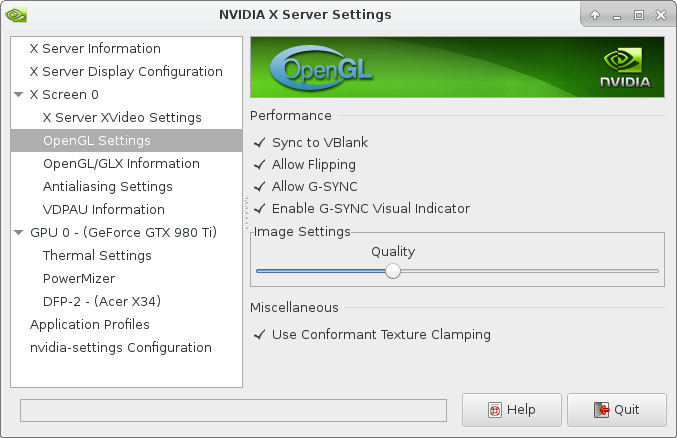
Getting a great new 100 Hz Ultra Wide monitor does not come without its share of tweaking. So it turns out that the refresh you set on your monitor in Nvidia settings (as explained in a previous post does not apply to all the display ports. They apparently count as different screens with different settings or something.
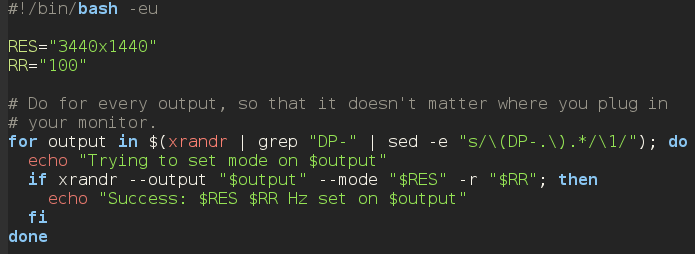
So, here’s a handy script which you can add to your window manager’s autostart applications to set the refresh rate and resolution of your screen, regardless of which actual port you use: